Save the job
Import a public posting or paste it manually. Company, role, description, source URL, and which documents this application needs all live together from the start.
A recruiter replies about a role you applied to five weeks ago. Which résumé version did you send? What did the posting actually ask for? A spreadsheet holds a status and a link. Lamr holds the posting, the fit evidence, the exact documents you submitted, your notes, and the history, on one record that grows as the application does. Because that record lives in Lamr, your agent can read it too, and never has to ask which version you sent.
Every application carries its own status, its own documents, and its own history. Nothing is scattered across a downloads folder and a tab you meant to bookmark. The context you will need in five weeks is still on the record when the reply finally arrives.
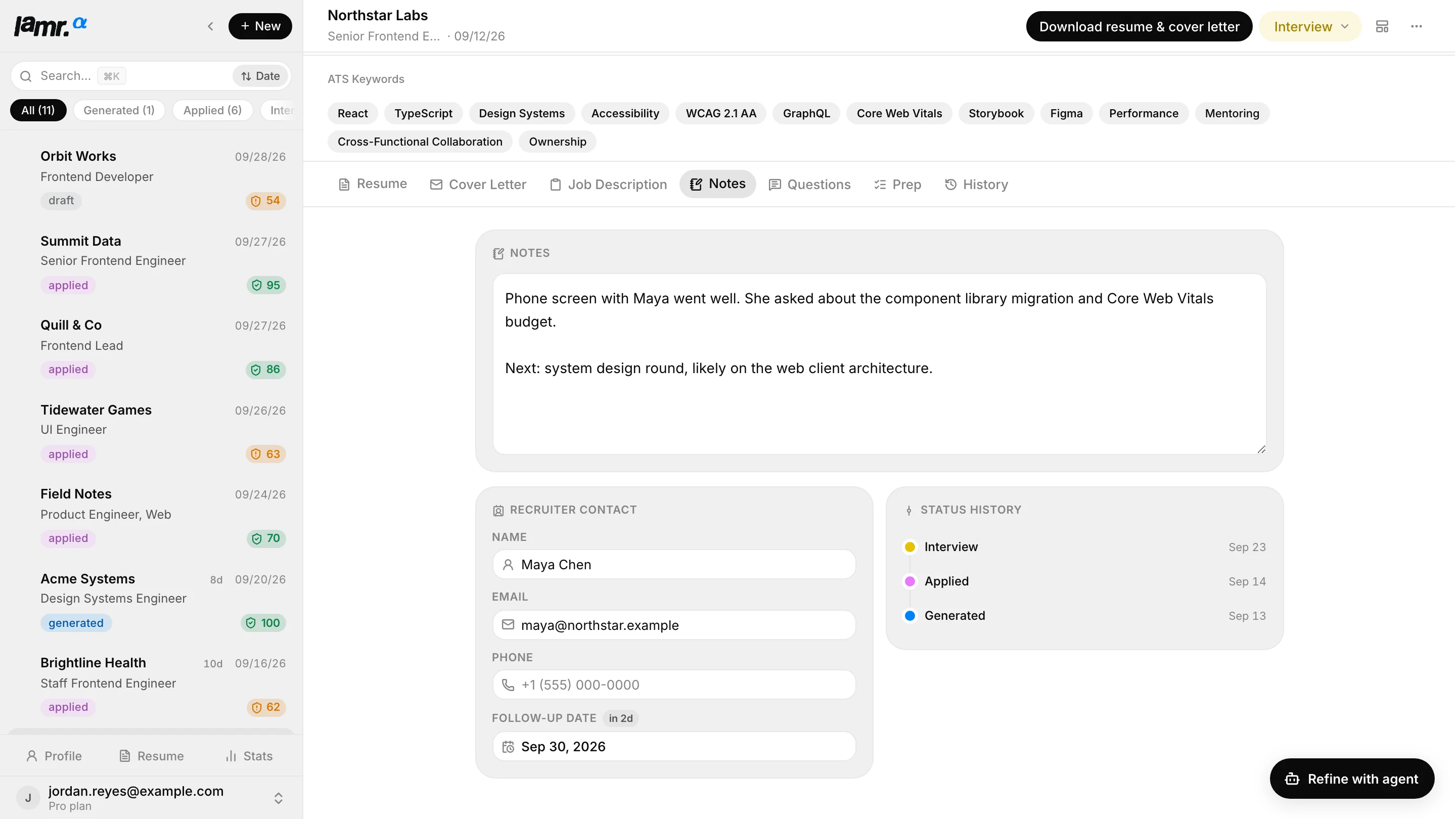
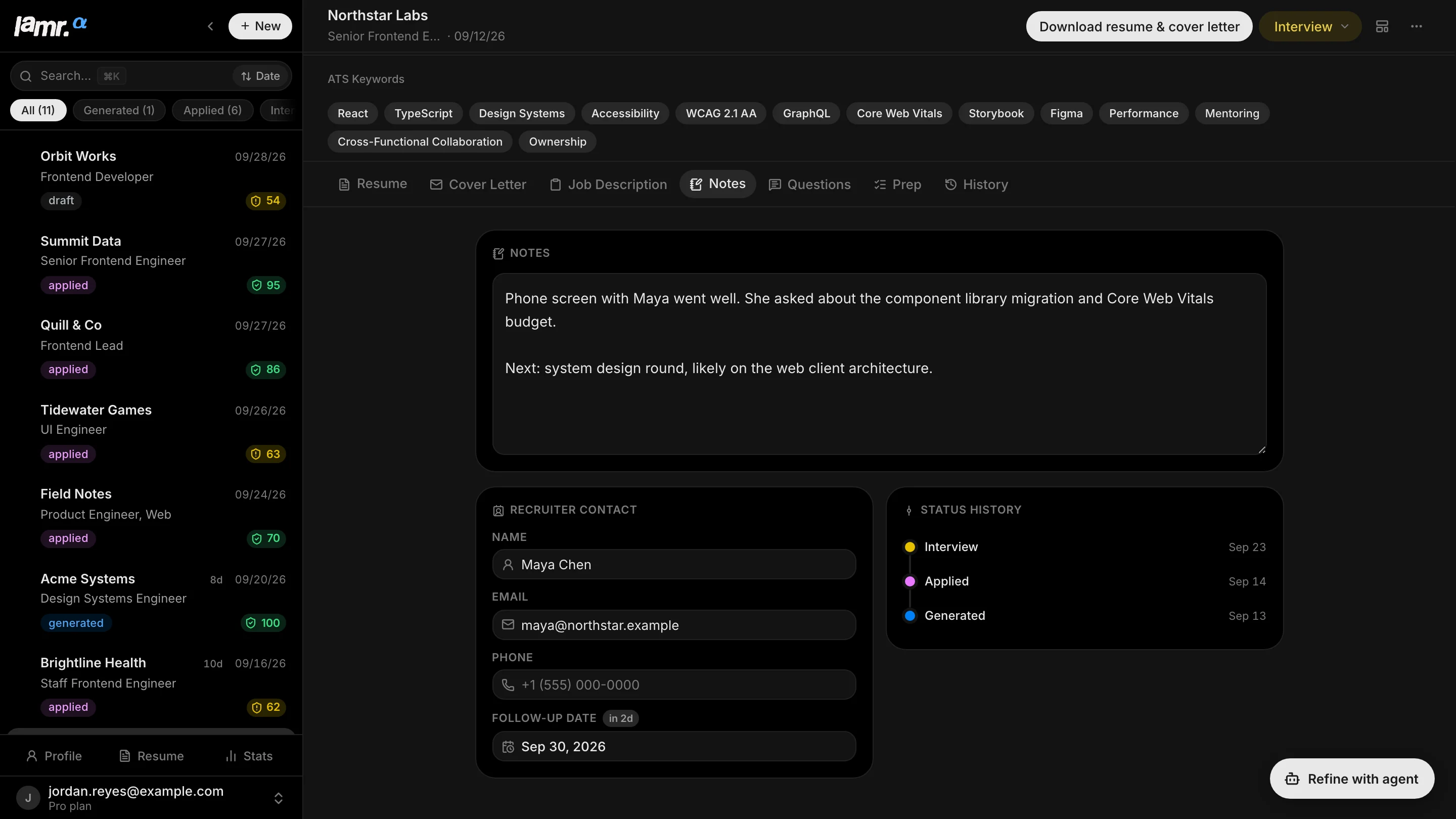
The tracker is not a spreadsheet bolted onto a document generator. Each action enriches the same job record, which is why the context survives the weeks between applying and hearing back.
Import a public posting or paste it manually. Company, role, description, source URL, and which documents this application needs all live together from the start.
Run the fit check, inspect blockers, and create only the résumé, the cover letter, or both, whichever this particular application actually calls for.
Move it to Applied, keep recruiter details and follow-up dates in notes, and retain the exact document version you submitted.
Move to Interview, generate role-specific question prompts from the posting and your evidence, and keep your own preparation notes beside them.
Tracking is only useful while the history means what it says. Lamr treats document compilation and application status as related but genuinely different facts, so polishing a résumé four days after applying does not quietly re-date the application. Here is a synthetic Senior Frontend Engineer application moving through the pipeline while the candidate keeps refining the same documents.
The job description and source URL are captured. Lamr records the fit analysis and creates a tailored draft.
The candidate marks the application Applied after submitting the Classic résumé. That submitted version stays attached to this job.
The résumé is switched from Classic to Modern. Lamr records the new compile version and keeps the status at Applied. This is the same application, not a second one.
A phone screen is scheduled, the status moves to Interview, and recruiter notes join the same history.
Lamr can summarize applications, interviews, offers, and fit patterns because those events already exist as real transitions you made. It does not infer a submission from a generated PDF, and it will not count an old recompile as a fresh application.
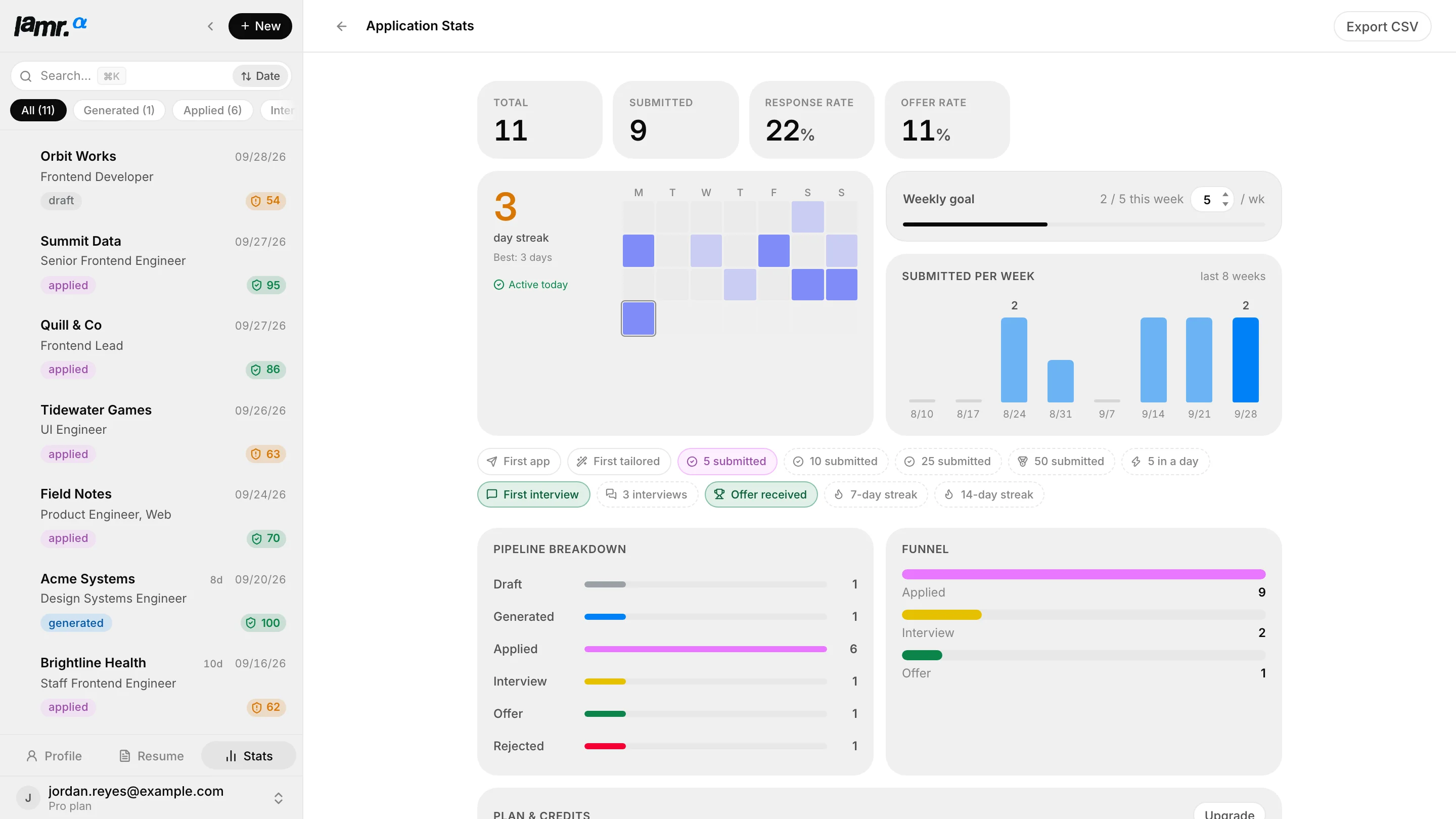
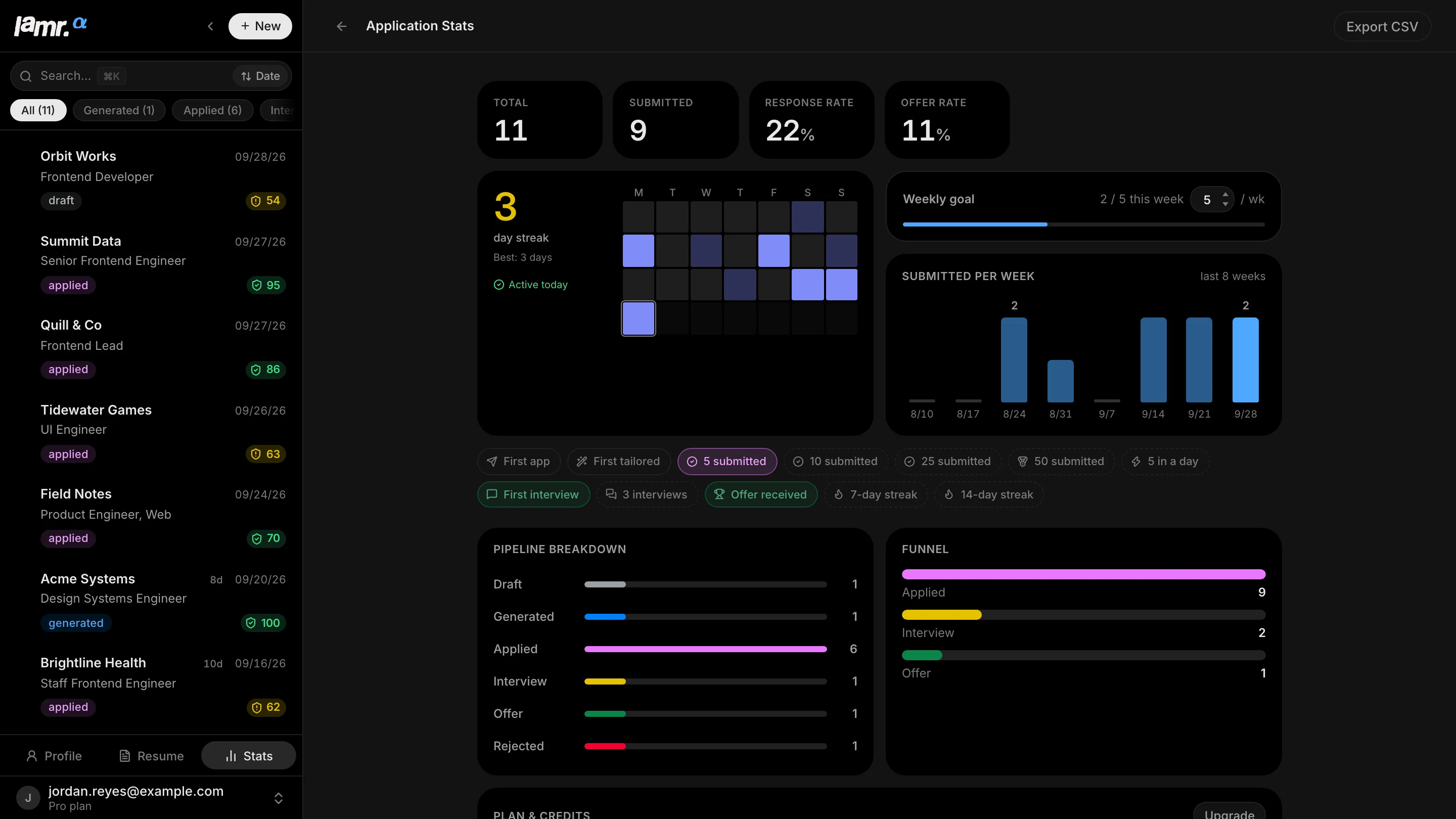
A general-purpose tracker can store a status and a link. Lamr also understands the specific artifacts and analysis that were created for that role.
The job description used for the analysis stays attached, with the original source link whenever import can preserve it.
See at a glance whether a job is a high-priority target, a risky stretch, or a blocker, before spending credits generating anything.
The generated PDFs and their structured source stay on the application they were written for.
Recent compile snapshots are kept, so a template switch or late edit stays traceable without corrupting the pipeline history.
Application questions and likely interview prompts draw on the job description and candidate evidence already in the record.
Every step has a key: new application, next and previous, the tabs by number, status, generate, compile, and Ask AI. Menus take the arrow keys, and command search finds the rest by name.
The record is only as honest as the events you put into it, and that is deliberate.
See how Lamr builds an evidence-backed draft for a saved job, and how the approved content becomes a PDF you can send.
 Free to start
No invite code, no waitlist. Create an account and see your first tailored resume in minutes.
Track my applications Back to Lamr